
Change the app's language
Simran's menus and screens come in English, Punjabi and Hindi.
- Open Simran and tap the Me tab, then the gear icon in the top corner to open Settings.
- Under Preferences, tap App Language.
- Choose English, ਪੰਜਾਬੀ or हिन्दी.
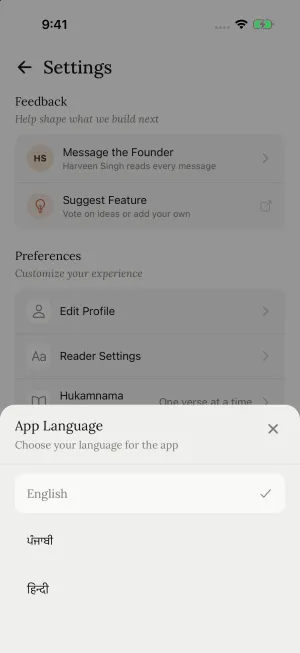
This changes buttons, menus and screens only. To choose which translation appears with Gurbani, see Choose translations and transliteration.
Still need help?
We read every message. Include the ID from the bottom of Settings in the app so we can find your account quickly.
Write to us